How to edit DNS zone in cPanel
1. Log in to your cPanel.
2. Navigate to the Domains section and click on the Zone Editor menu:
3. Look for the domain name in question in the list and click on the Manage button to edit its DNS zone: 
Add new DNS records
To create new DNS records for a domain, click on the + Add Record button: 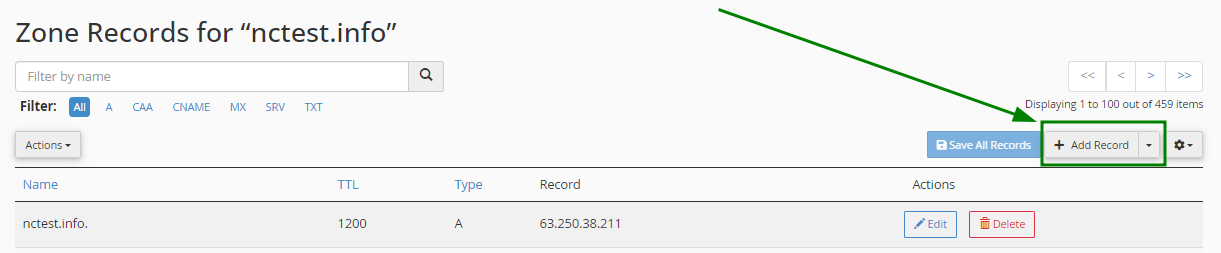
Edit existing DNS records
To edit an existing record, choose the record you want to change from the list of existing ones. You can use the "Search" line to look for the needed DNS record.
Once the nedded record is found, click Edit, enter values that you need to update, and click Save Record to save changes: 

Delete existing DNS records
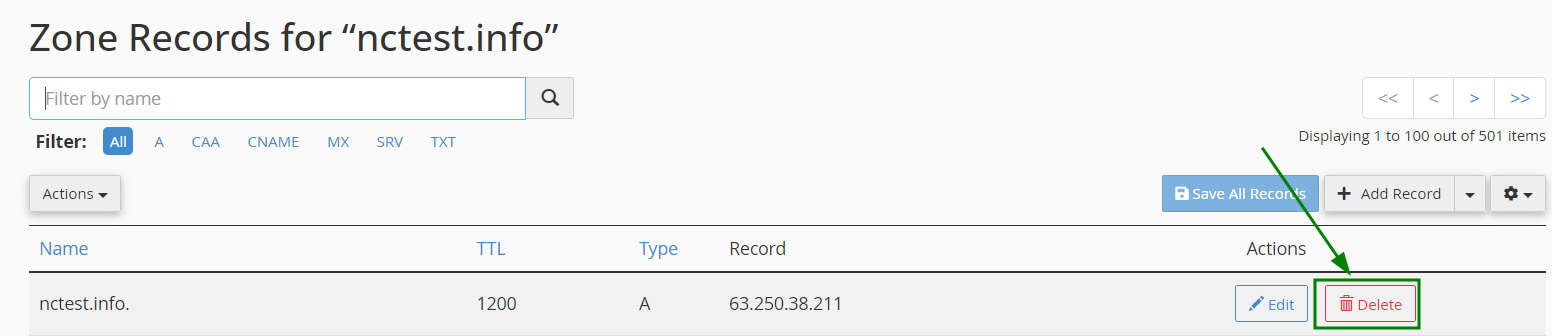
To delete an existing DNS record of your domain, click on the Delete button: